Ingio: AI Assistant Hub
SaaS Platform
AI-Enabled Platform


CLIENT
Think K-12
CATEGORY
SaaS Platform
TIMEFRAME
7 Weeks
SERVICE
Product Strategy
Development
About Project

- Assistant deployment in 20 minutes, against the six to eight weeks a bespoke build took.
- 3,400 business accounts in the first year.
- 11 assistants running per account on average, where most had previously managed one.
- Support ticket deflection at 43% for accounts using the customer-facing assistants.
- One knowledge base serves every assistant, removing duplicated maintenance.
- Built in 7 weeks.
Challenge & Solution

Challenge
Businesses struggled to deploy specialized AI assistants across multiple workflows, leading to fragmented automation experiences and inefficient productivity tools.

Solution
We developed a customizable AI assistant platform that allows users to deploy specialized assistants across workflows, improving automation efficiency and productivity scalability.
Businesses adopting AI assistants ended up with a scattering of them. One in the support tool, one someone built for sales, a third bolted onto internal documentation. Each had its own configuration, its own copy of the company knowledge, and its own idea of what the company sounds like.
The client kept meeting the same consequence. A customer would get one answer from the website assistant and a contradicting one from the support widget, because the two had been given different documents six months apart and nobody owned reconciling them.
Building each assistant separately was also slow enough that most teams gave up after the first. Every new use case meant another integration project, another prompt written from scratch, and another knowledge base to keep current. What the client wanted was one place to define what the company knows and how it speaks, with assistants as configurations on top of that rather than as separate products.
The number the client leads with is eleven assistants per account. Deployment stopped being a project, so teams stopped rationing it, and use cases nobody would have commissioned a build for now exist.
The unanswered-questions report turned out to be the most valuable output. Accounts use it as a map of where their documentation is missing, which is a use of the platform that has nothing to do with the assistants themselves.
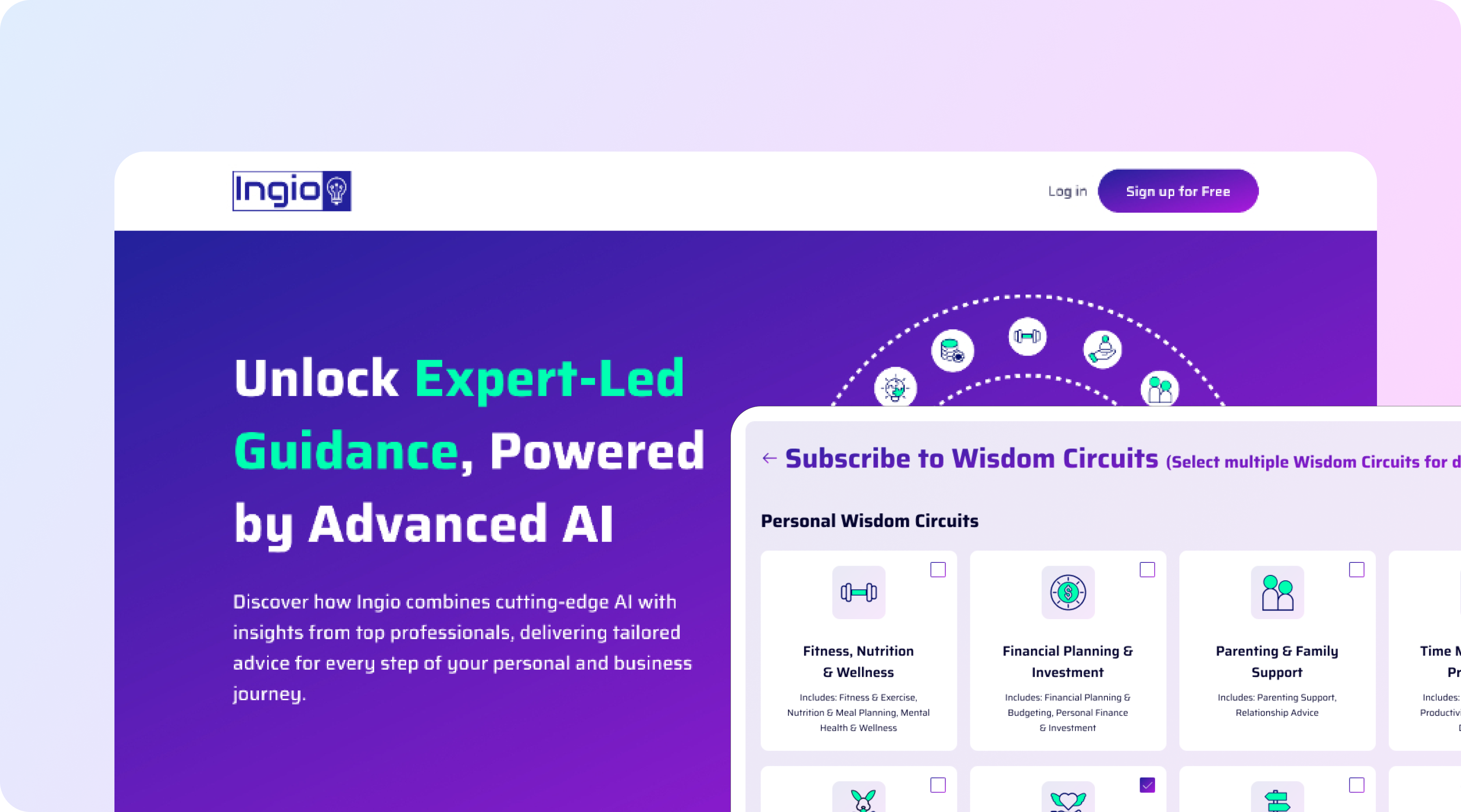
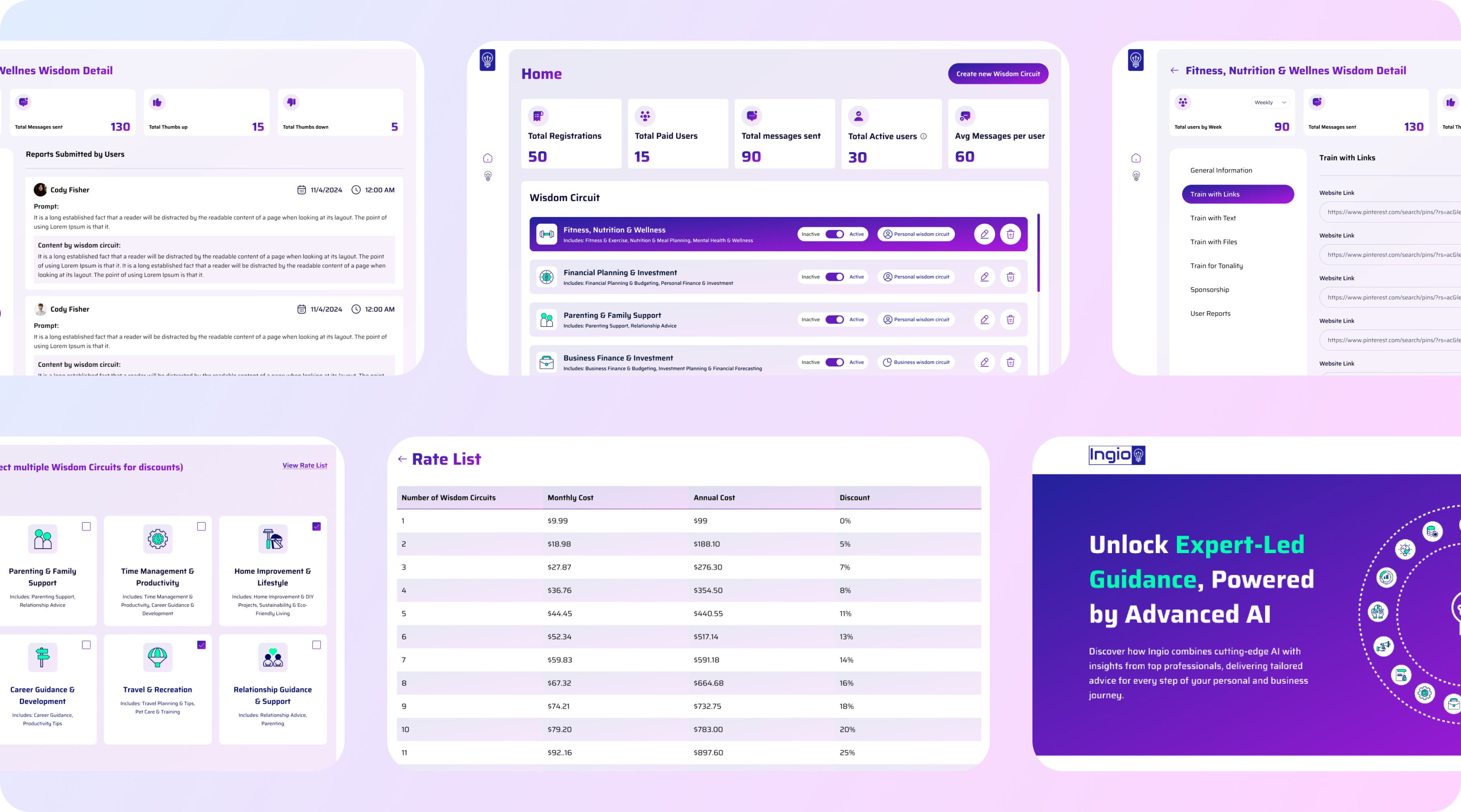
A shared knowledge layer that every assistant draws from, with source documents, connected systems and manual entries in one place, versioned and with freshness indicators so stale content is visible.
Assistants are configurations rather than builds: role, scope, tone, permitted actions and escalation rules, deployed from a template library covering the common cases.
Channel deployment covers web widget, Slack, email and API from the same definition, so an assistant behaves consistently wherever it appears.
Guardrails are set centrally, with topic boundaries, refusal behaviour and mandatory escalation triggers. Conversation logs are reviewable with flagging for bad answers, and those reviews feed knowledge base corrections directly. Analytics cover deflection rate, escalation reasons and unanswered questions, which is what tells a team where the knowledge is thin.
Typography & Color